iOS 27.2 beta brings significant updates including a redesigned Health app, new Siri languages, and enhanced features across various apps.
Apple has launched the initial beta version of iOS 27.2, skipping the expected iOS 27.1 beta as it prepares for the imminent release of the iPhone Duo, set to ship with iOS 27.1 in October. This new beta version introduces a range of updates, including a revamped Health app, expanded language support for Siri, and a slew of enhancements across other key applications.
Overhauled Health App
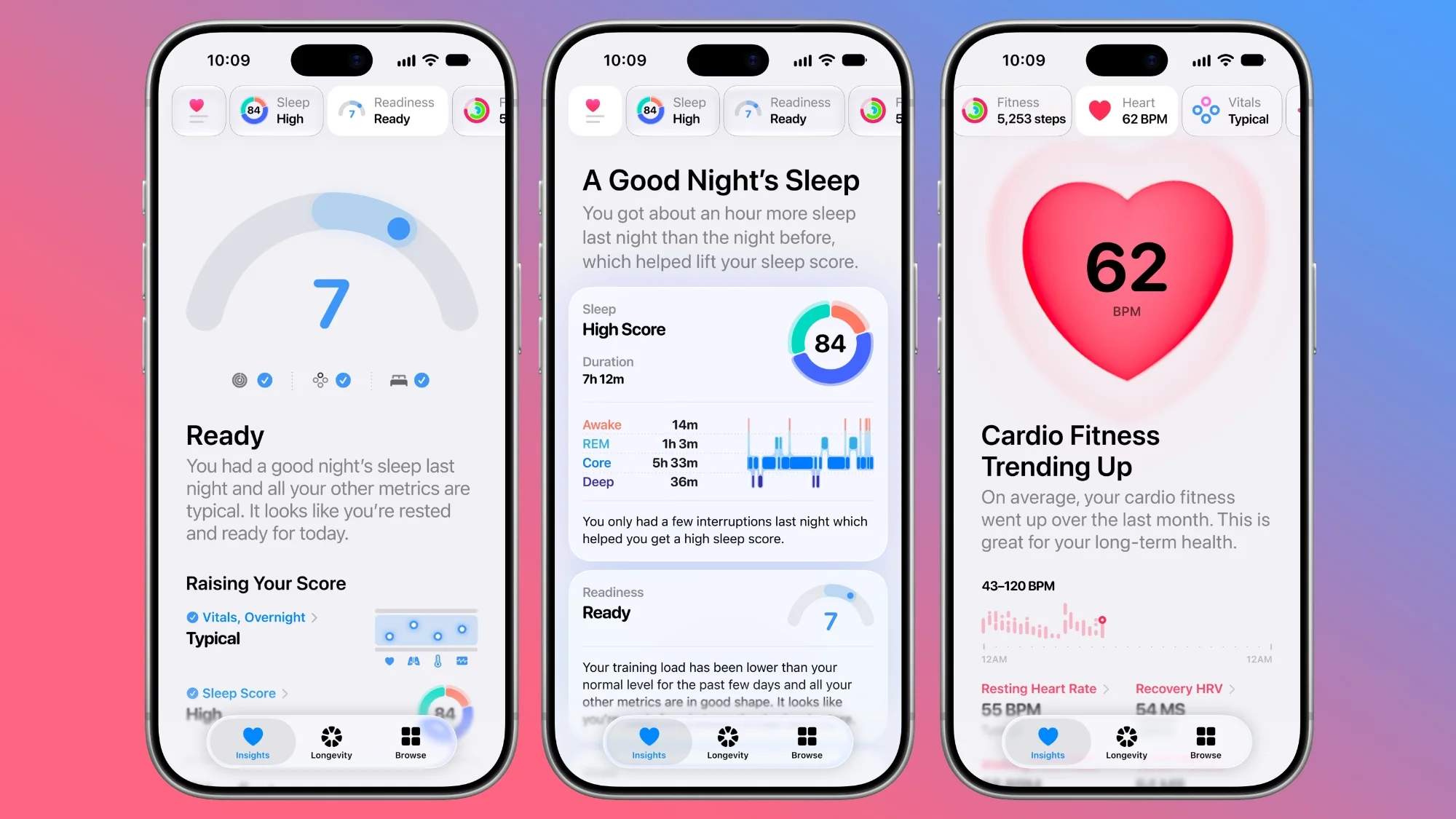
The Health app receives a striking redesign, featuring three primary sections: Insights, Longevity, and Browse. Insights highlights important health metrics such as sleep scores, heart rate, and activity levels. This isn’t just a superficial upgrade; it reflects a deeper trend in how tech companies are positioning themselves as health allies, pushing users to stay informed about their well-being. The Longevity tab provides an overview of health data over time, featuring a new Health Age metric derived from factors like activity levels and VO2 max. Users can perform in-app assessments using the iPhone's camera to evaluate their flexibility, strength, balance, and aerobic capacity. While a helpful addition for many, the benefit of these features might hinge on the user's willingness to engage. It's notable that this new app layout is currently only available in U.S. English.
Improved Call Context
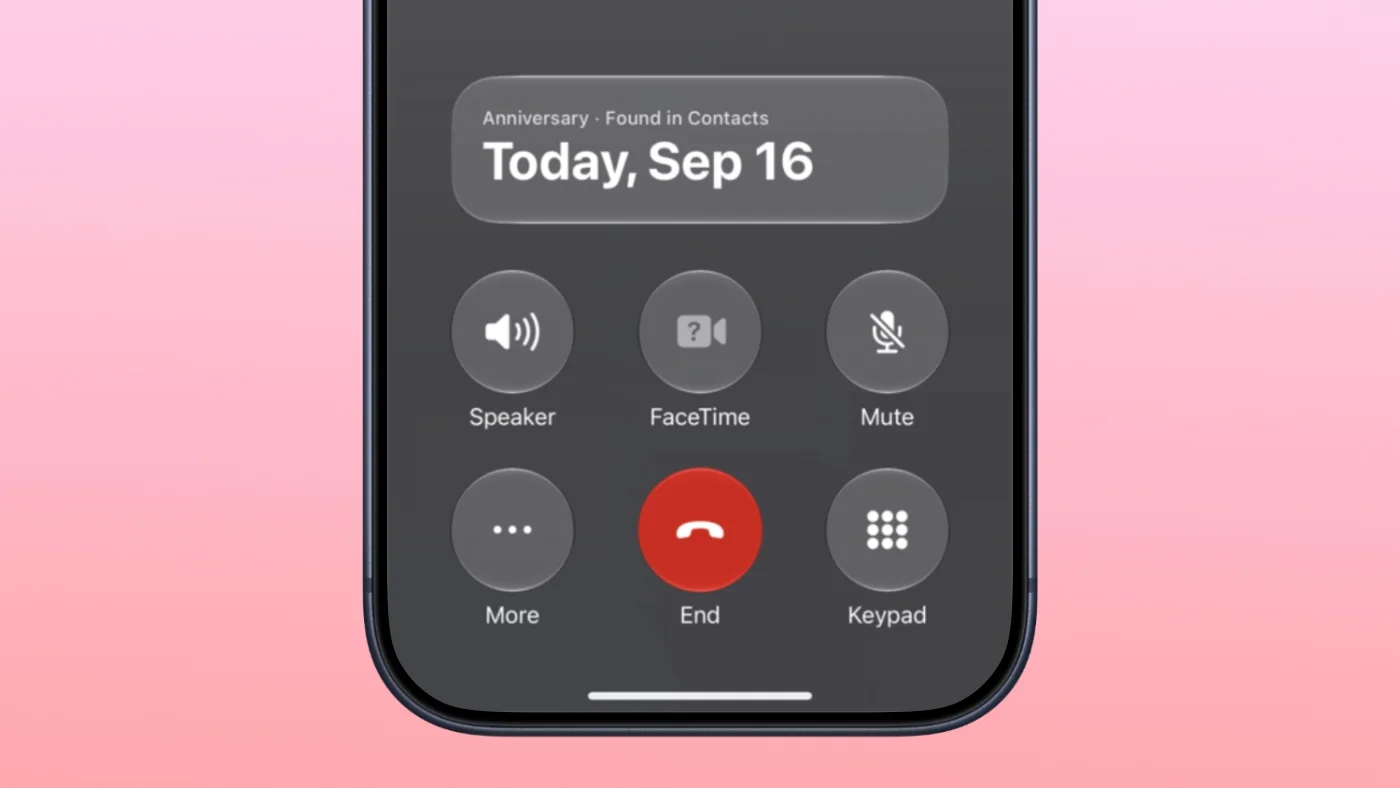
Enhancements include the addition of anniversary alerts within the Apple Intelligence Call Context feature. When users call someone with an anniversary noted in their Contacts, a reminder will pop up within the Phone app, serving as a thoughtful nod to significant dates. This feature could be seen as an attempt to make communication more meaningful, encouraging deeper connections amongst users. Yet, one has to wonder if this is enough to change the way people interact on a day-to-day basis.
Personalized CarPlay Experience
The new CarPlay Ultra introduces customizable themes, offering users options for wallpaper, gauge styles, and colors. In addition to the aesthetics, the code reveals that ambient lighting in compatible vehicles will sync with the selected themes, enhancing personalization while driving. While it's a nice touch, the question remains: does this level of customization genuinely improve driving experience or is it merely a gimmick? If you’re working in this space, it’s crucial to consider the balance between personalization and distractions on the road.
Expanded Siri Language Support
Siri now supports additional languages including French, Japanese, Korean, Portuguese, and Spanish. This broadens accessibility for global users but raises the question of how effectively Siri will perform in these languages. Historically, voice recognition can fluctuate in reliability across different languages, so the commitment to inclusivity here may warrant skepticism. Can Siri really match the performance of established competitors in these regions?
Enhanced Apple TV App Profiles
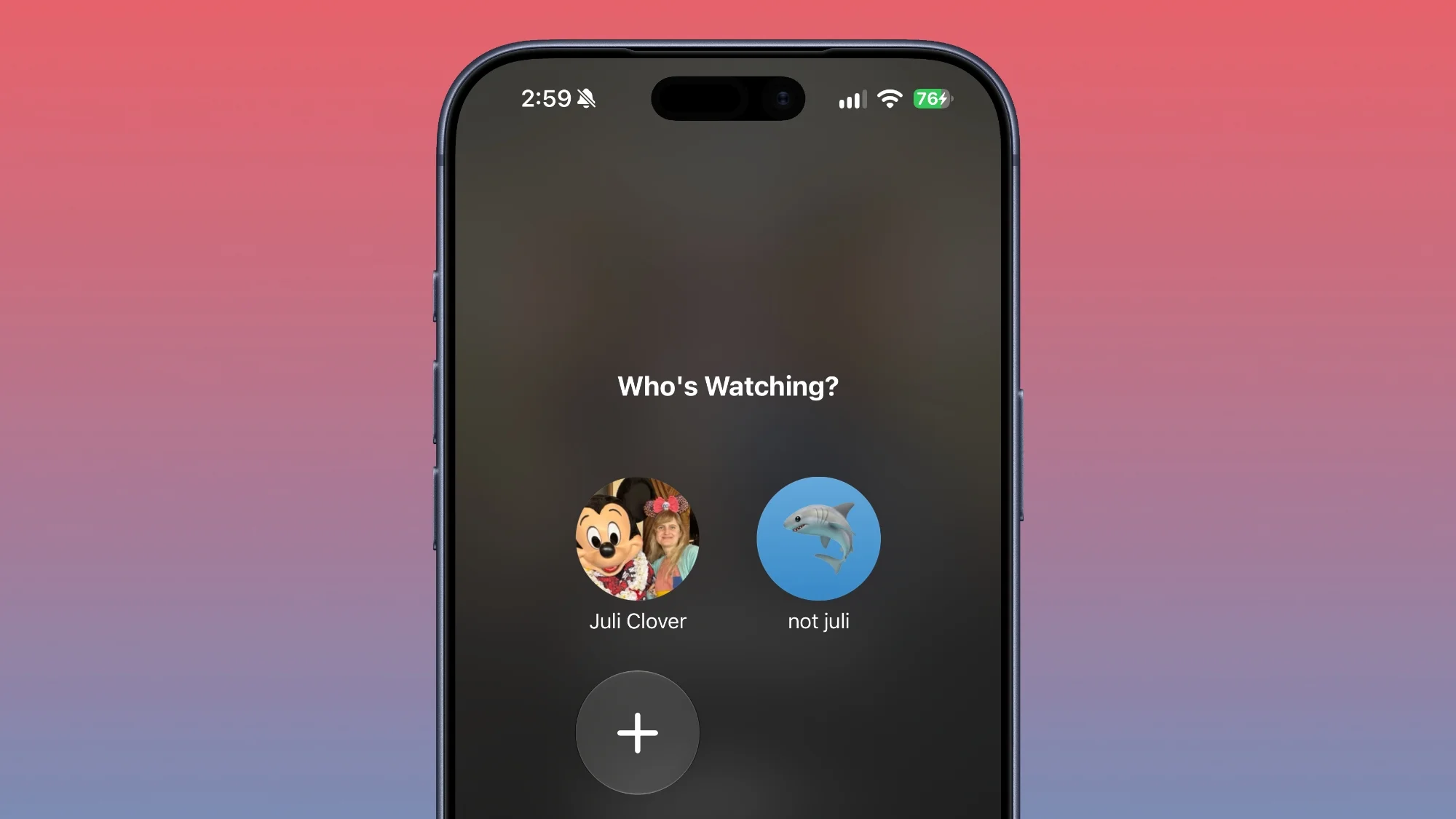
iOS 27.2 extends profile creation features of the Apple TV app to both iPhone and iPad, enabling users to establish profiles within account settings. Profiles let families manage viewing preferences, particularly for children, by limiting content by age rating. This is a significant development, especially as families increasingly share devices. A new option allows for sign language interpretation during video playback when available, making strides in inclusivity. Still, how many families will actually use these features remains to be seen.
ASL FaceTime Integration
A new API for FaceTime enables developers to integrate human interpreters into calls, bolstering accessibility for deaf and hard-of-hearing users. This feature aims to enhance communication experiences in video calls. This is more significant than it looks, as it addresses a persistent gap in video calling accessibility. If developers embrace this, it could set a standard for other platforms.
Clock App Enhancements
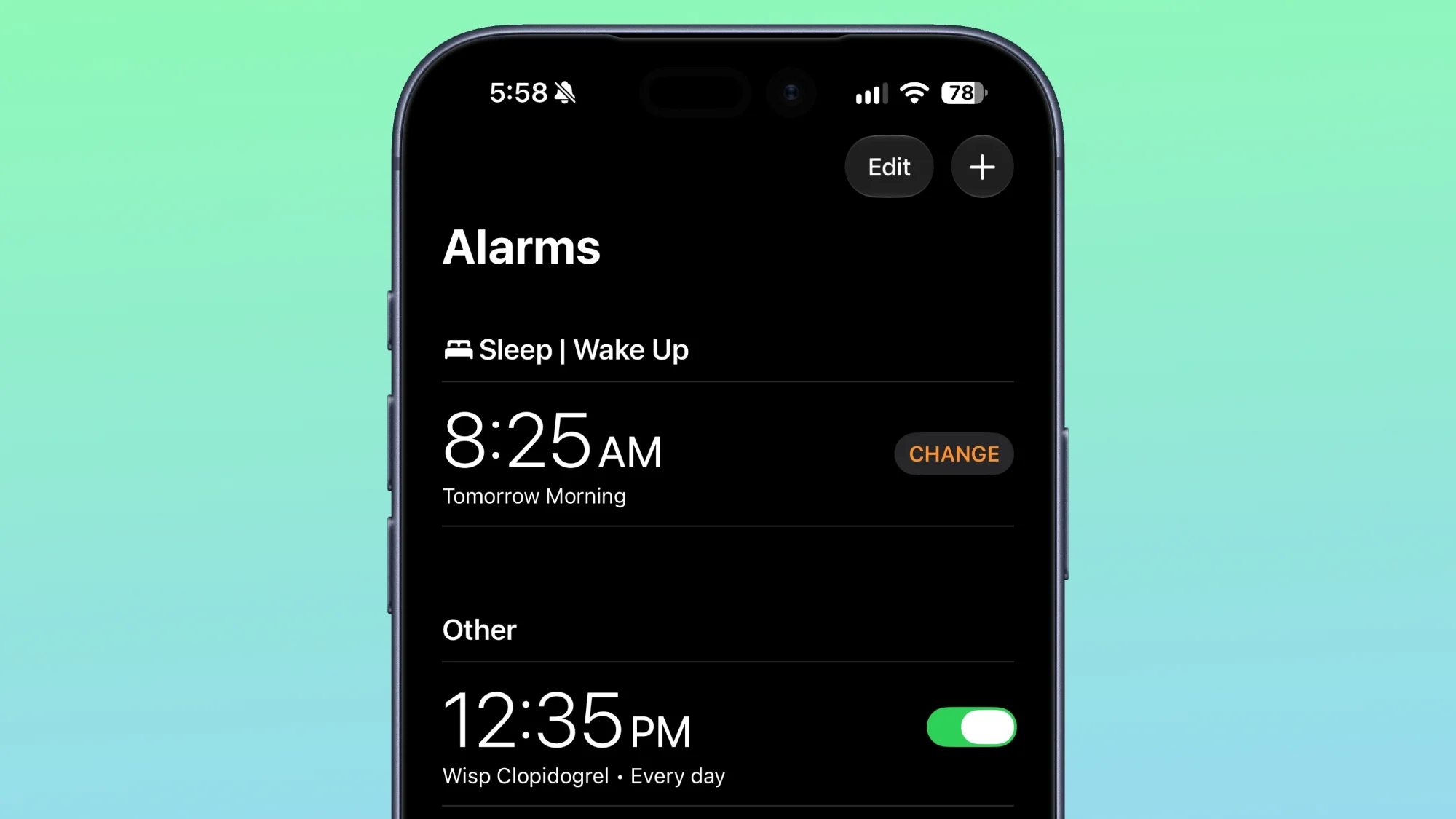
Changes to the Clock app include a redesigned appearance for alarms, with a focus on cleaner aesthetics by making the a.m./p.m. indicators smaller than the corresponding time displayed. A small change, yet it illustrates Apple’s push toward minimalism in design. Does this amount to a meaningful improvement, or is it just a cosmetic touch-up?
Refreshed Music App Interface
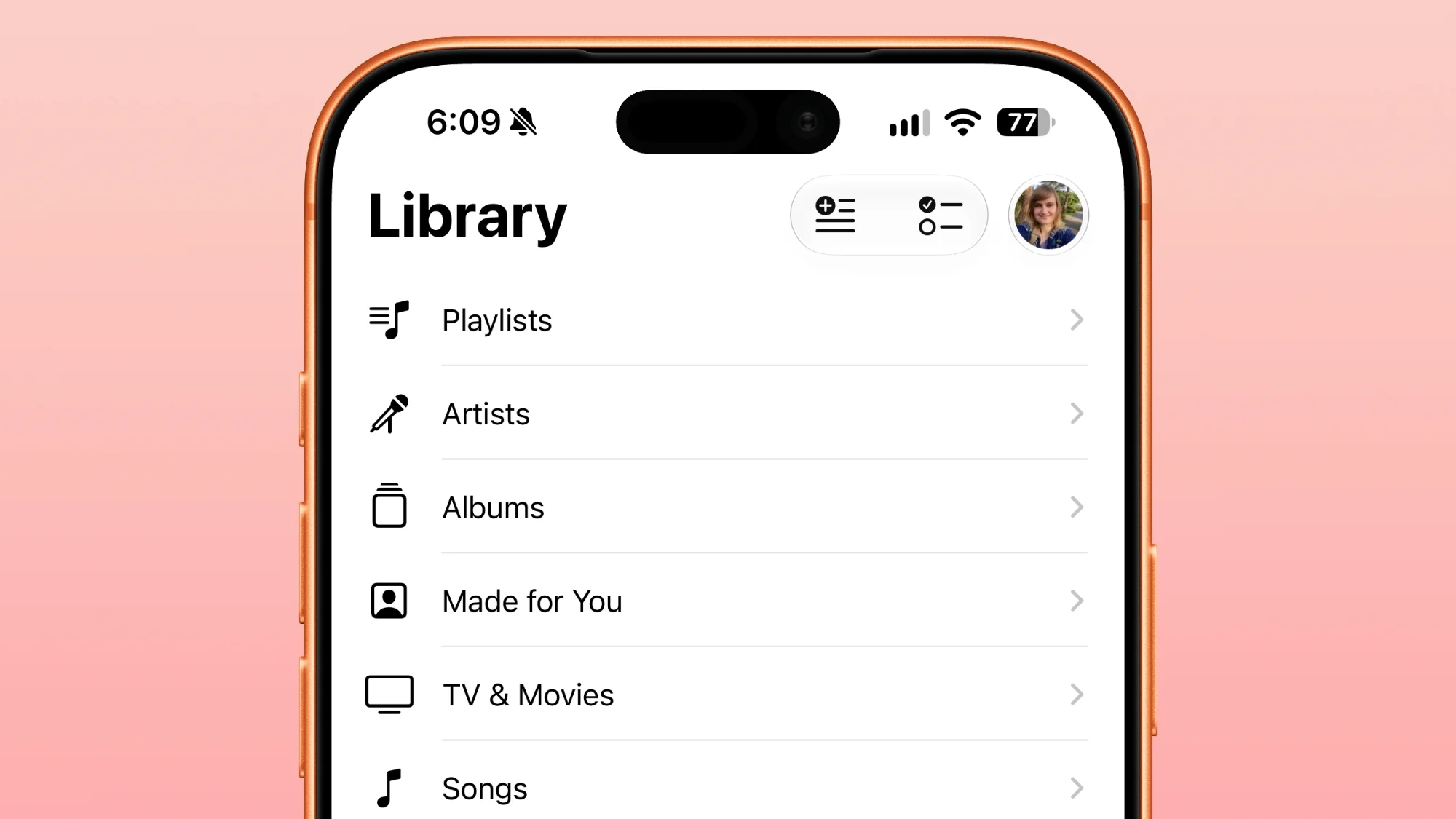
Visual updates in the Music app include the removal of red accents from the Play and Shuffle buttons, with a switch to a more understated black, enhancing the overall user experience. Aesthetic changes like this might be soothing to some users, but does it really change the overall functionality? The focus here seems to be more on visual appeal than on structural strengths.
Siri App Access Improvements
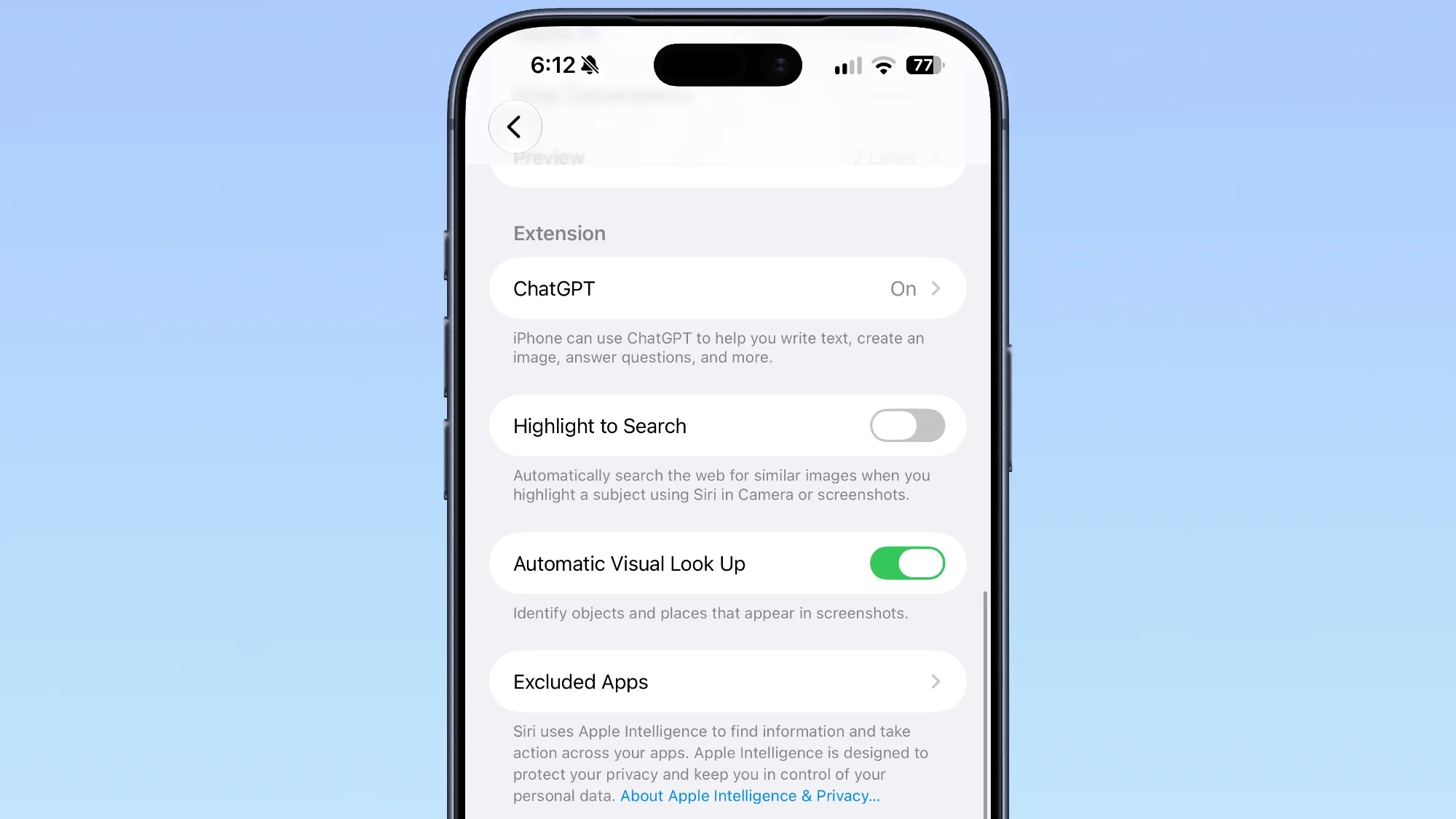
The Siri section in the Settings app has seen changes, now labeled "Excluded Apps." Users can add multiple apps to this list simultaneously, improving user control over app interactions within Siri. More control is a welcome change. Yet, real user freedom begs the question: does Siri go far enough to ensure users' preferences are genuinely respected?
Podcasts App Rebranding
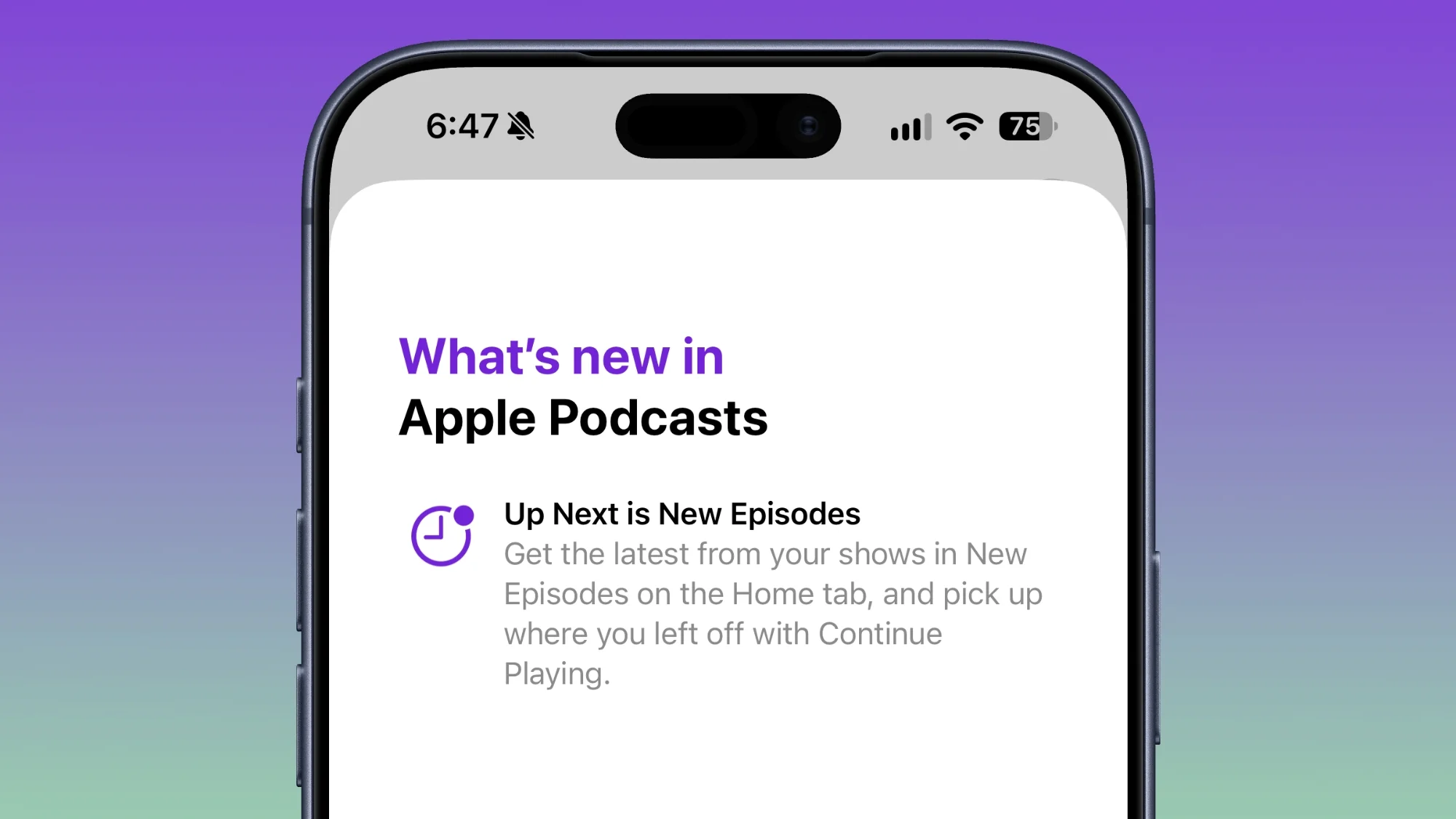
The Podcasts app features a rebranding of the "Up Next" section to "New Episodes" for added clarity, complete with a "Continue Playing" option directly accessible below. This is a simple yet effective move aimed at removing confusion for users. Clarity in navigation often leads to better user satisfaction, but will it keep up with the rapidly changing pace of content consumption?
App Tracking Transparency Adjustments
iOS 27.2 also includes changes to App Tracking Transparency, introducing an alternative prompt specifically for EU users, requiring annual re-prompts for users in select countries. This is an interesting move that reflects ongoing debates around privacy and user control. While Apple positions itself as a champion of user protection, will this actually translate to improved trust among consumers?
Future Outlook
The updates in iOS 27.2 paint a picture of Apple's continued commitment to enhancing user experience across its ecosystem. However, as the features roll out, the real test will be user engagement and satisfaction. For those closely monitoring Apple's trajectory, these developments could signal either a deeper integration into users' daily lives or simply another iteration of existing capabilities that may not resonate as strongly with the public. What this means for you depends largely on how your usage aligns with these updates. Will they enhance your daily digital experiences, or simply add more noise to an already crowded app ecosystem?

Discussion
Sign in to join the discussion.